Updating
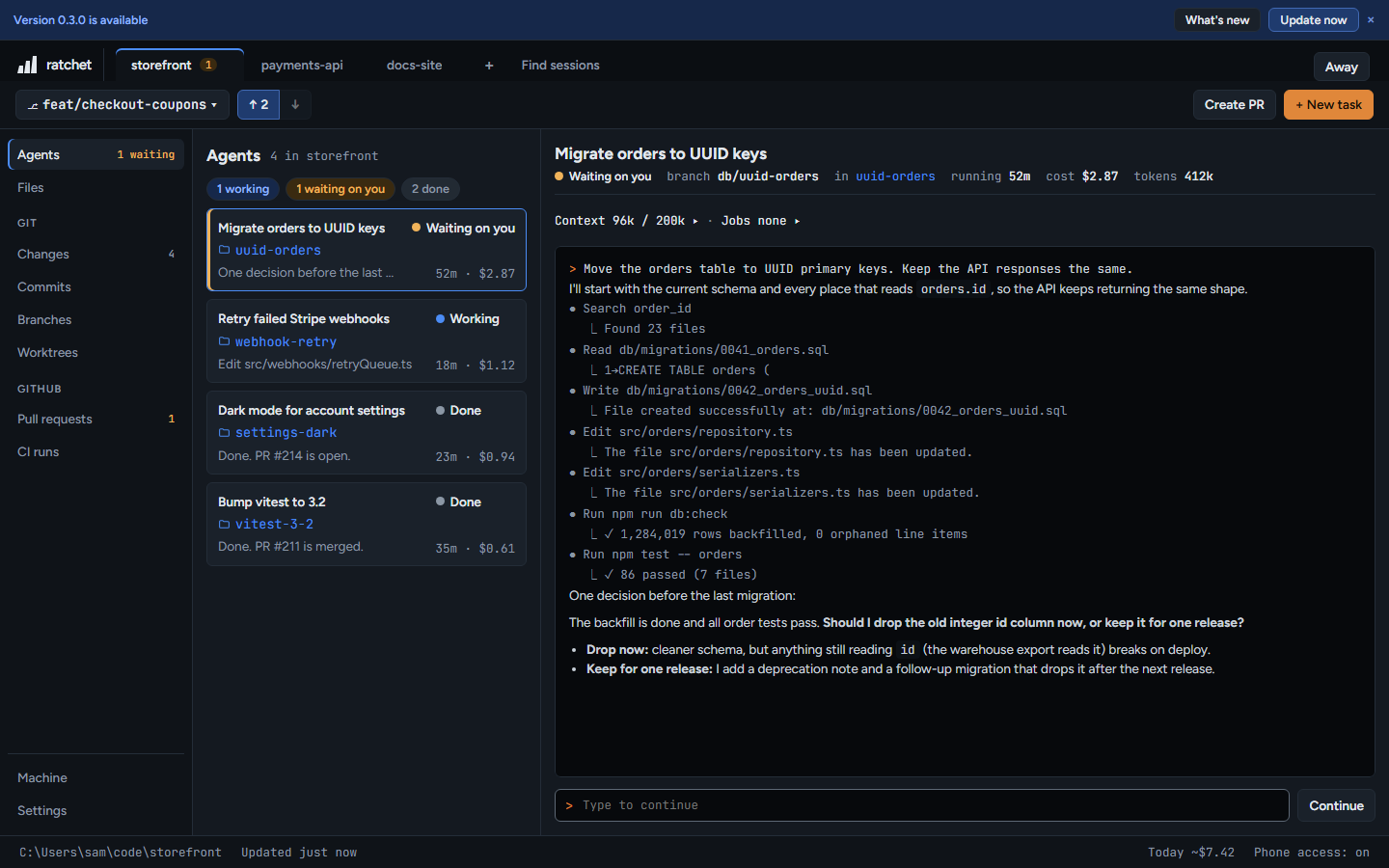
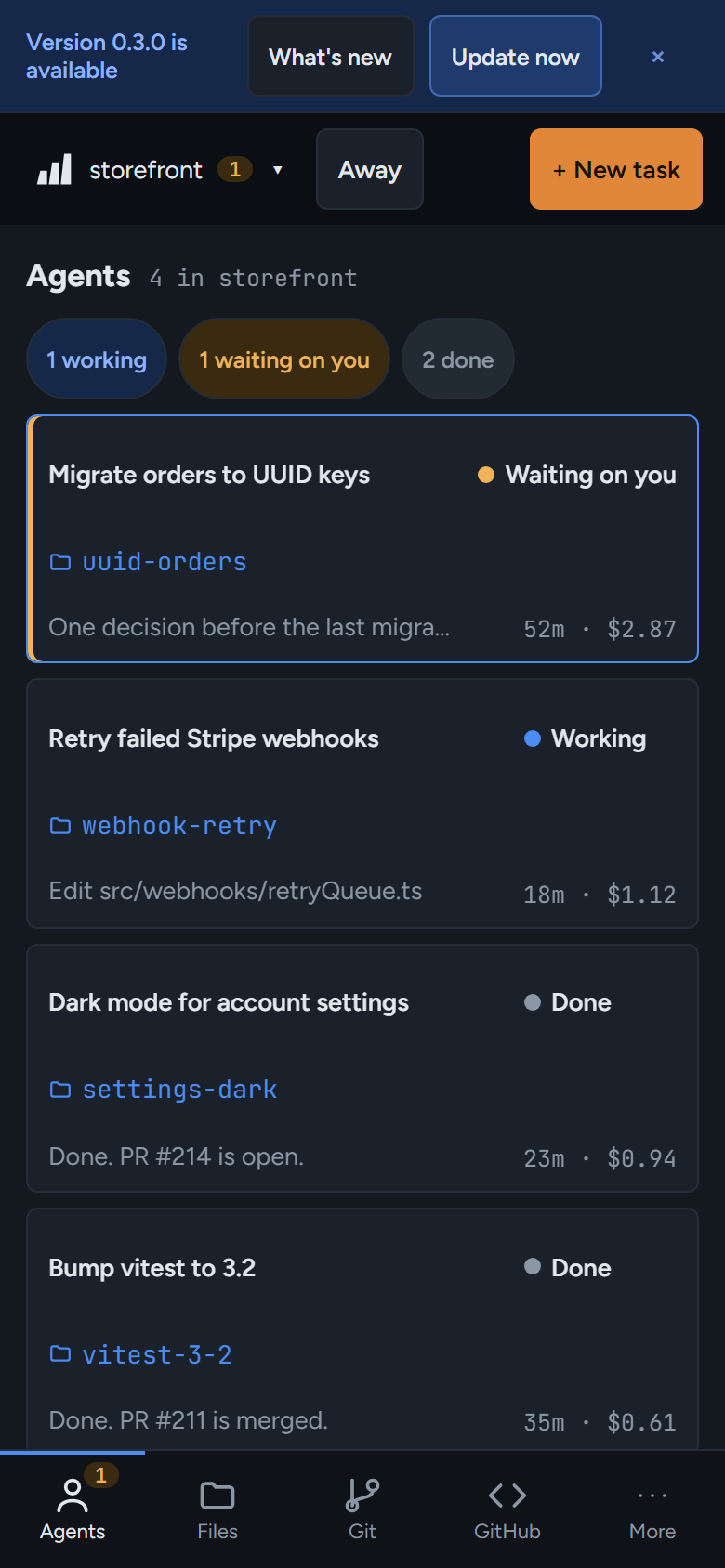
ratchet checks npm once an hour and shows a banner when a new version is out.
127.0.0.1:4700
From the banner
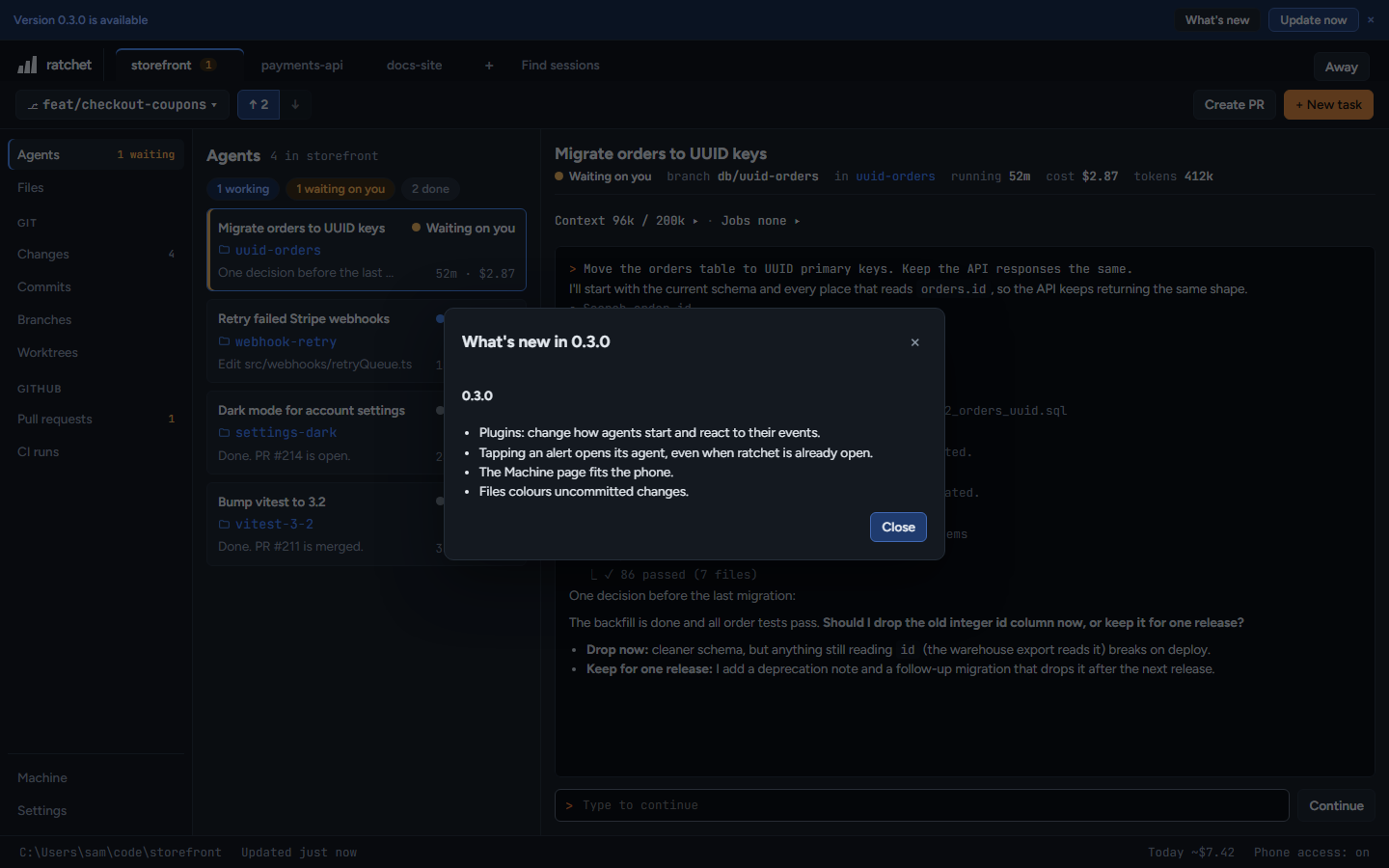
- Press What's new to read the changes for that version.
- Press Update now. If agents are running, ratchet asks first, because updating restarts it and stops them. Pick Update when they finish, Update now or Later.
- ratchet shows Updating… ratchet will restart and comes back on the same address.
On the phone
The phone shows What's new only. Update from ratchet on your PC.
By hand
npm install -g @ratchet-ai/ratchet@latest
127.0.0.1:4700
On a Mac install that needed sudo, add sudo in front. One-click update only works for a global npm install. Other copies say Updates are off for this copy of ratchet.