New task
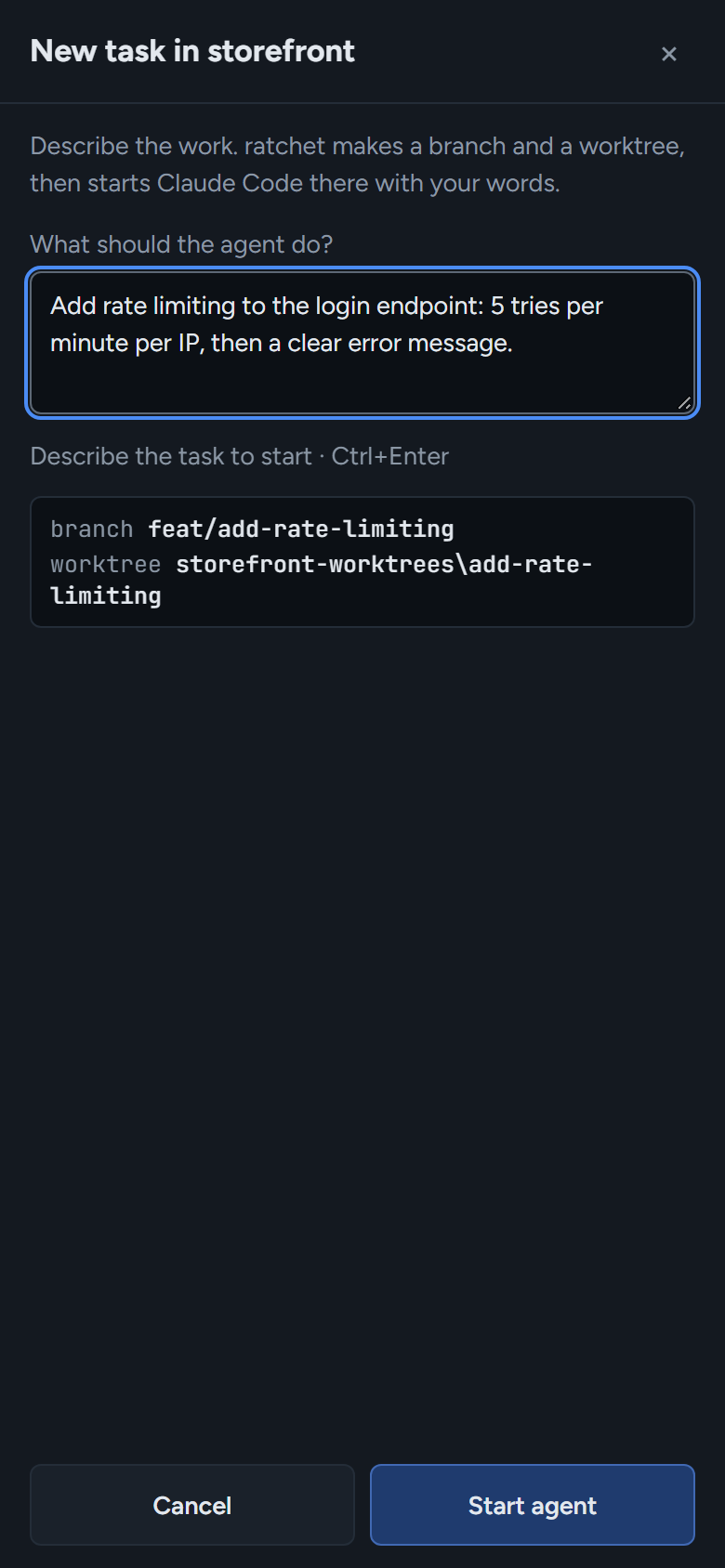
Describe the work in a sentence. ratchet makes a branch and a worktree, then starts Claude Code there with your words.
127.0.0.1:4700
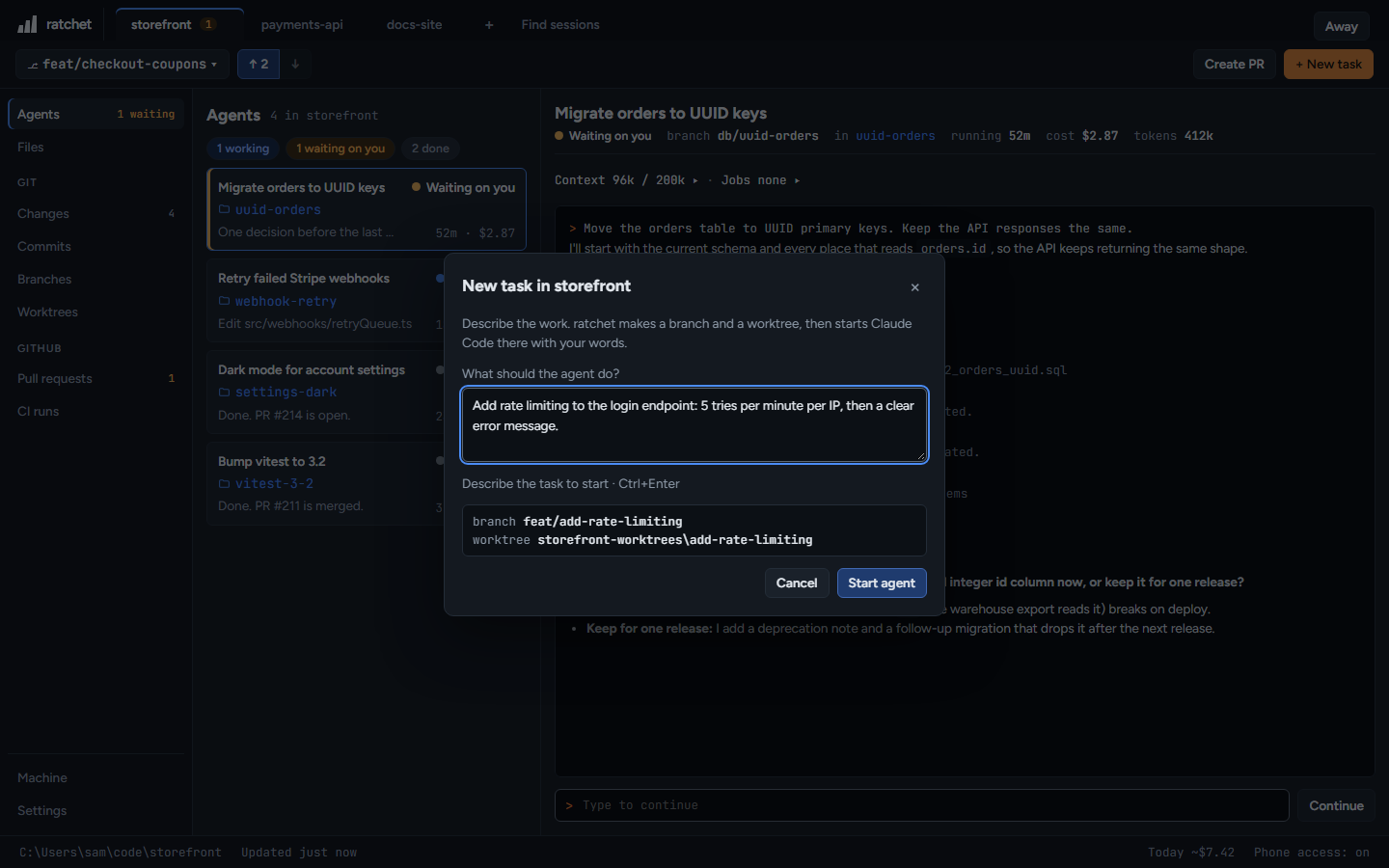
- Press + New task, or N anywhere outside a text field.
- Type what the agent should do, for example add a CSV export next to the Excel export.
- Check the preview of the branch and worktree names.
- Press Start agent, or Ctrl+Enter. The agent opens in its terminal and starts on your words.
How names are chosen
| What | Rule | Example |
|---|---|---|
| Branch | feat/ plus the first three words, lowercase | feat/add-a-csv |
| Name taken | adds -2, -3 and so on | feat/add-a-csv-2 |
| Worktree folder | next to the repo, in <repo>-worktrees | C:\Users\sam\code\storefront-worktrees\add-a-csv |
Because every task gets its own folder, agents working at the same time never edit the same files.
Permission prompts
New agents ask before running commands, as Claude Code normally does. To let them work without asking, turn on Skip permission prompts in Settings.