Phone alerts
A push notification on your phone when an agent needs you, finishes, or its pull request fails CI.
127.0.0.1:4700
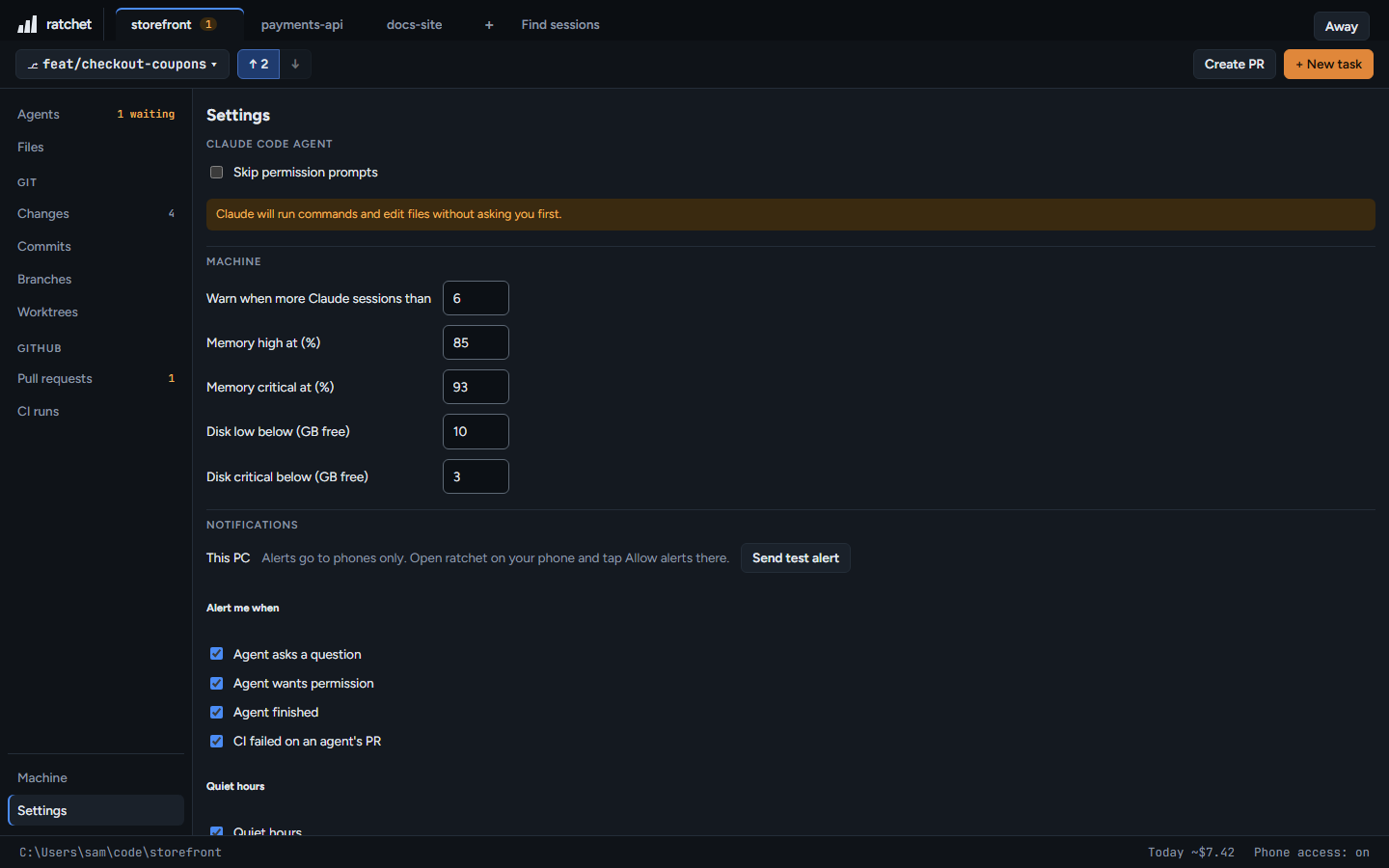
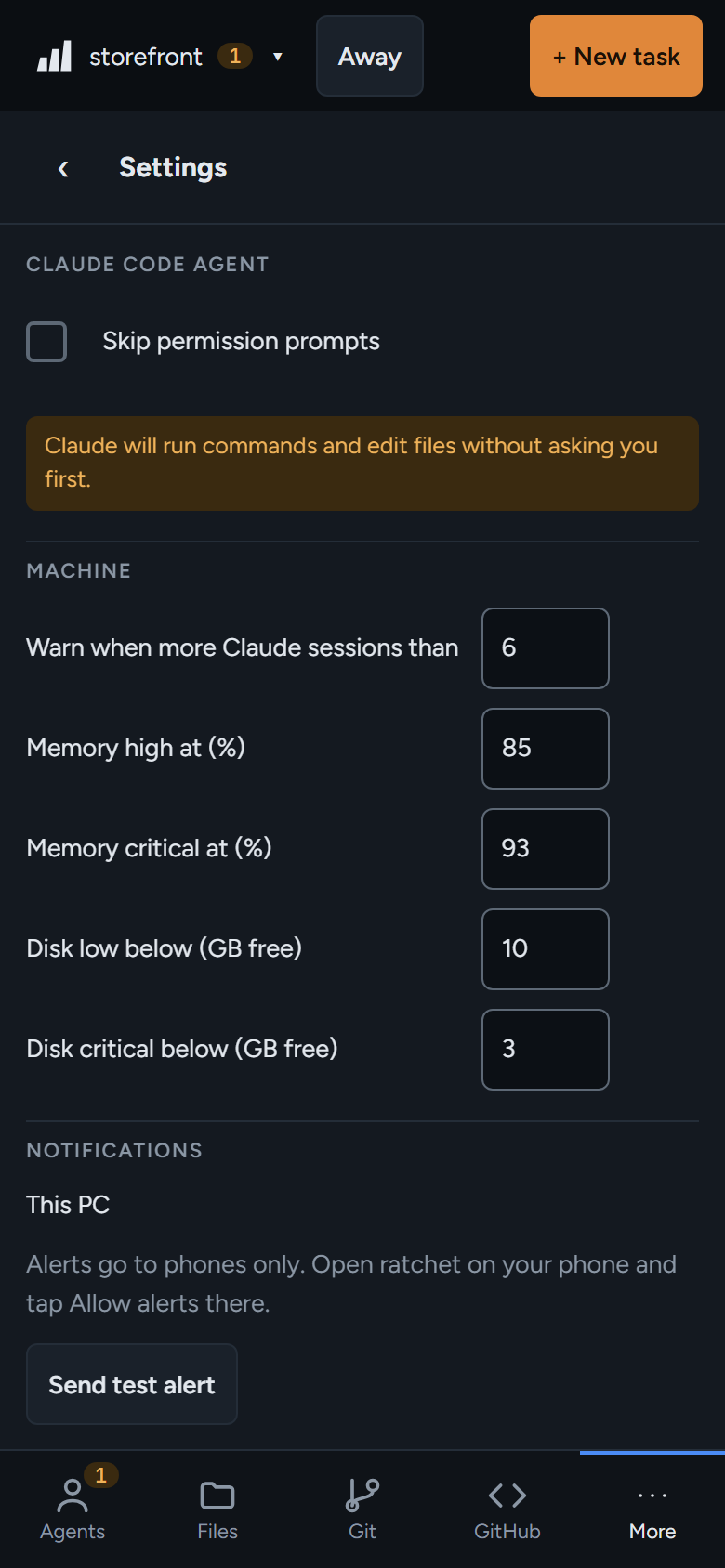
Turn alerts on
- Set up phone access and add ratchet to your home screen. On an iPhone this is required for alerts.
- On the phone, open More → Settings and press Allow alerts.
- Press Send test alert to check it works.
When you get one
| Alert | Title |
|---|---|
| An agent asks a question or wants permission | ratchet · Migrate orders to UUID keys needs you |
| An agent finishes its turn | ratchet · Bump vitest to 3.2 finished |
| CI fails on an agent's pull request | ratchet · PR #214 CI failed |
Tap an alert to open that agent, or that CI run.
When you don't
- You're already looking at that agent on some device.
- It's inside your quiet hours, or that alert type or repo is switched off in Settings.
- Away mode is on and the agent is covered by it.
- A turn was interrupted, or ended with background work still running.