Repos
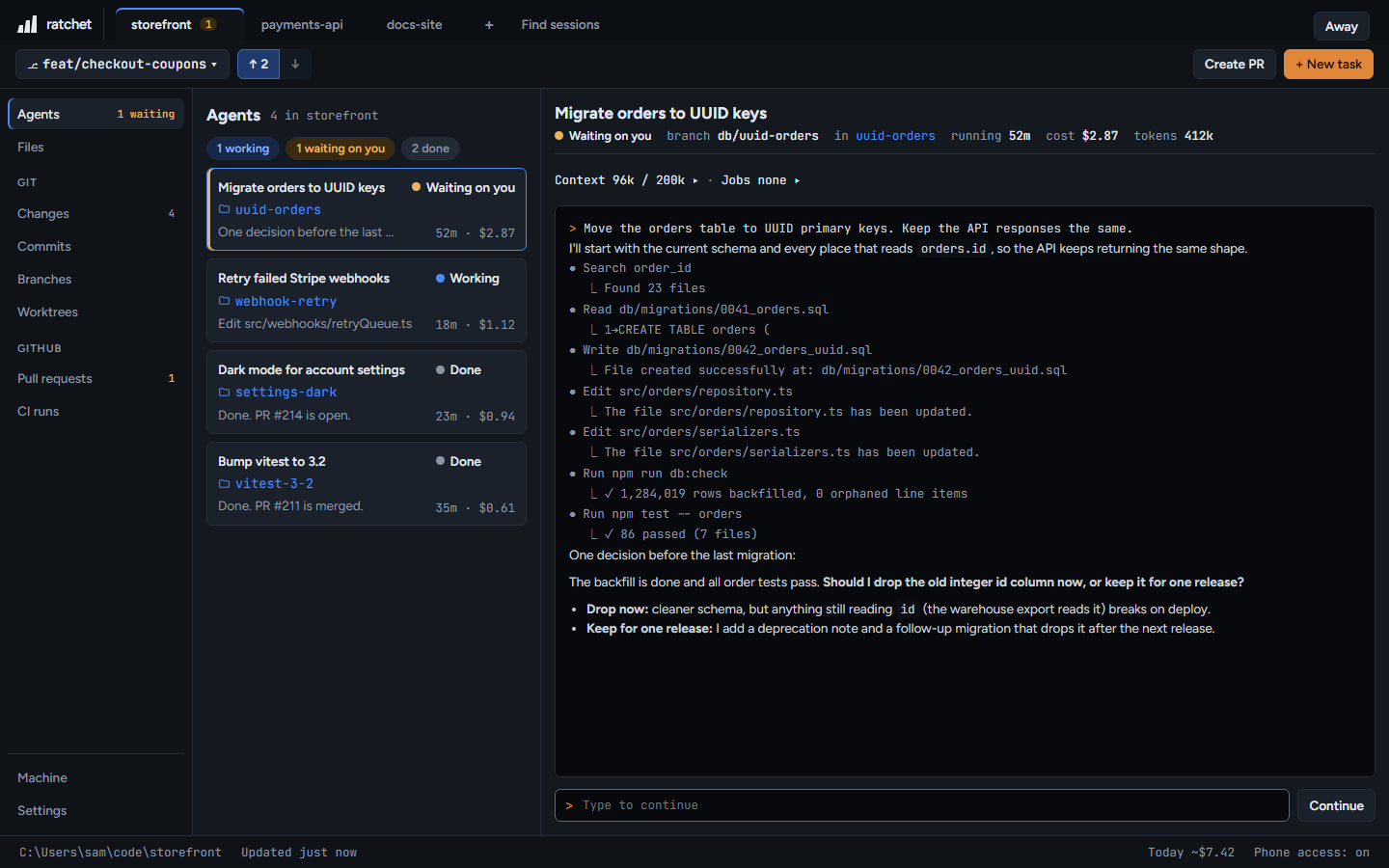
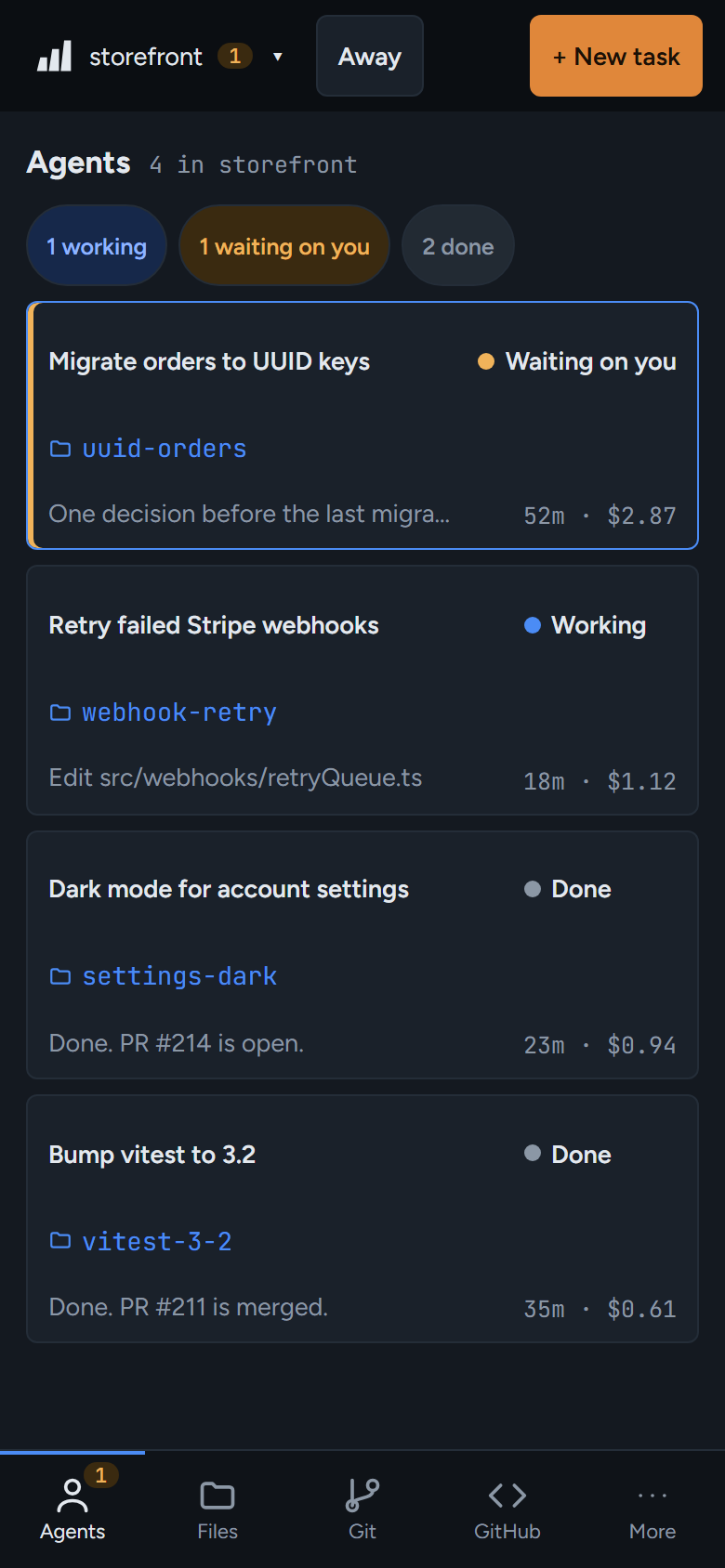
Each repo you add gets a tab. Everything you see is for the repo in the active tab.
127.0.0.1:4700
Add a repo
- On your PC: press + next to the tabs. Your system's folder picker opens. Pick the repo folder.
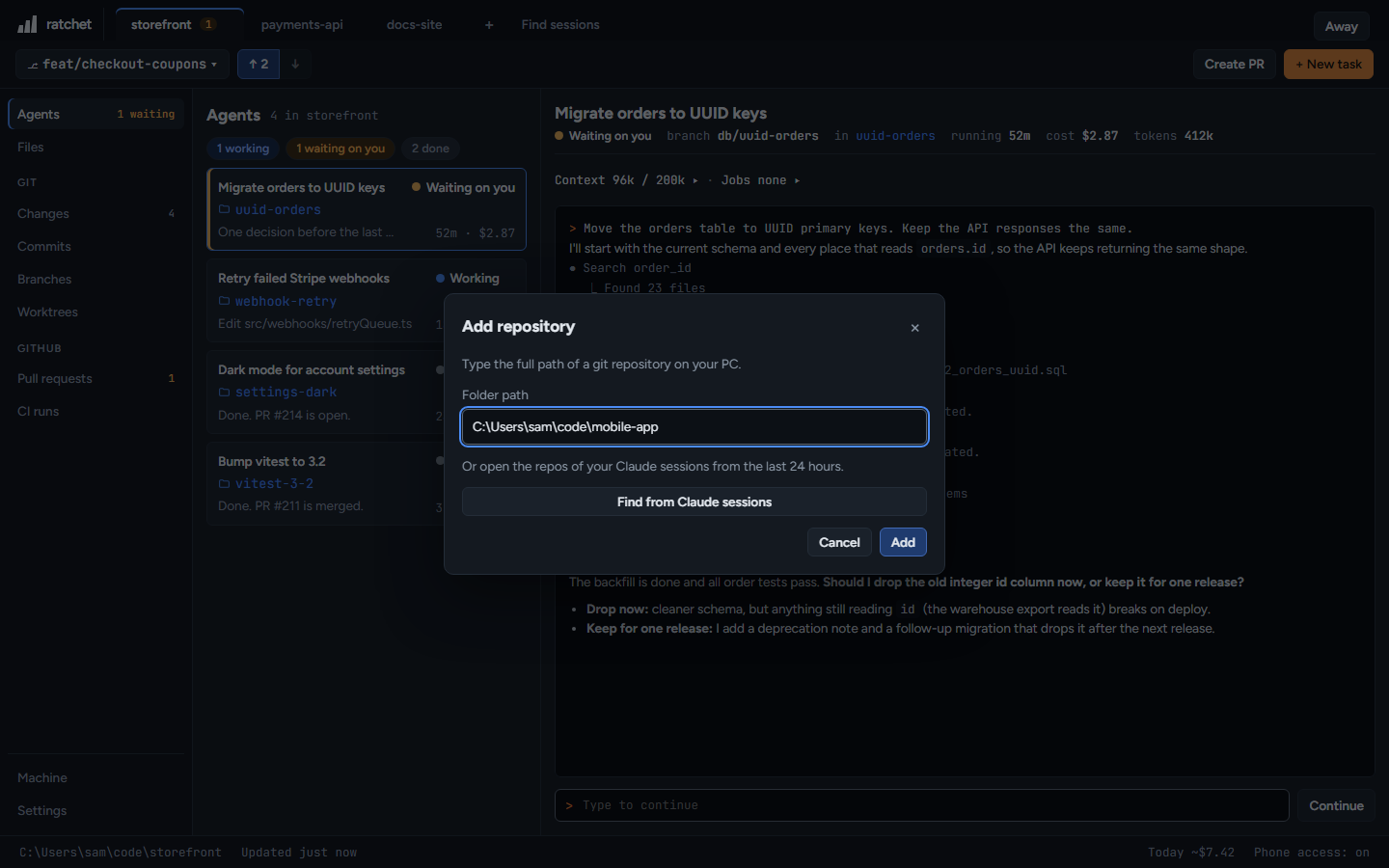
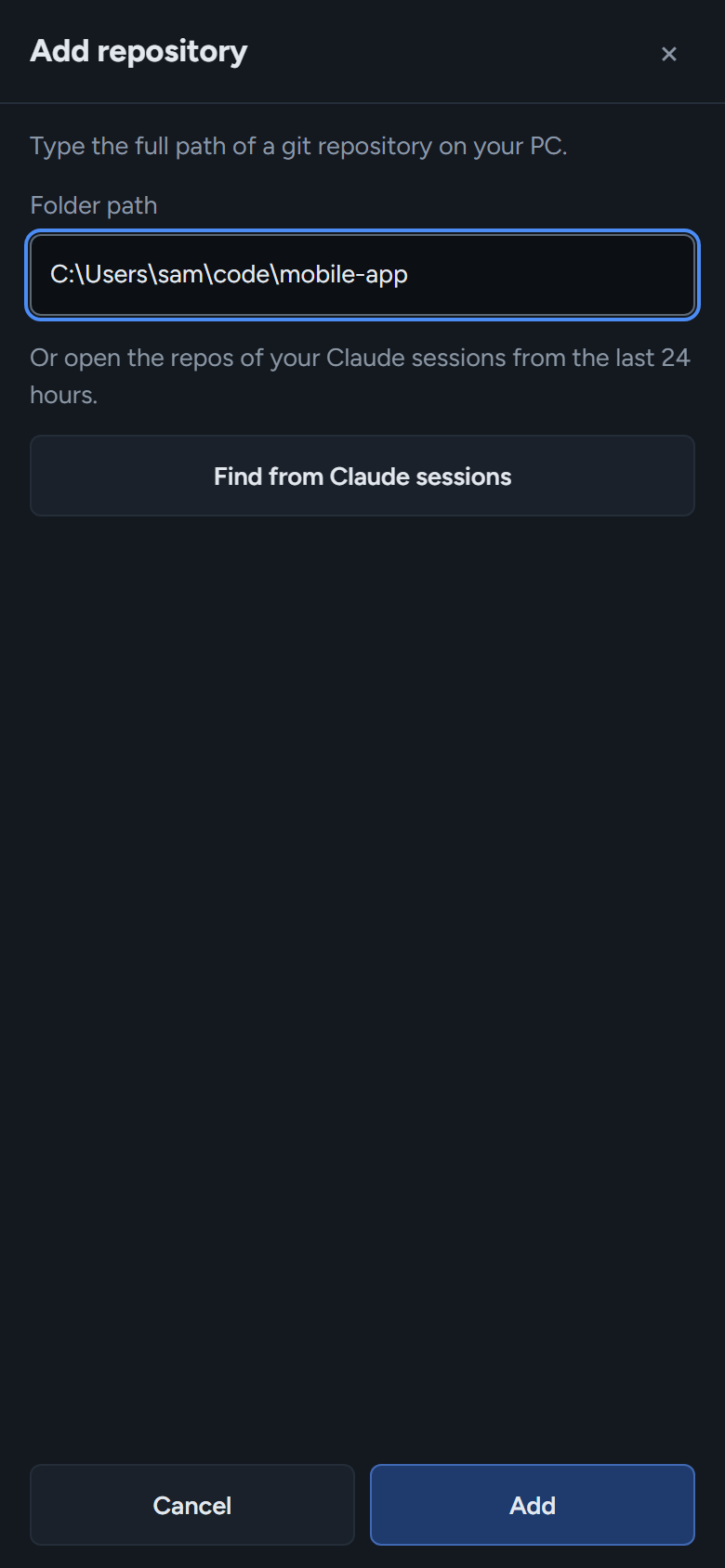
- Type a path: in a narrow window or on the phone, + opens Add repository. Type the full path, for example
C:\Users\sam\code\storefront, and press Add. - From your Claude sessions: Find sessions adds the repos of every Claude Code session from the last 24 hours.
127.0.0.1:4700
Switch and close
Click a tab, or press Ctrl+1 to 9 (⌘ on a Mac). Close a tab with its ×, or focus it and press Delete. Closing only removes the repo from ratchet. Nothing on disk changes.
On the phone
The tabs become a repo list at the top of the screen, with add, find and close in the same list.